Advantages of Integrated JPEG Image Compression
Implementing image compression directly in-camera offers many advantages in terms of system design and flexible, cost-effective use.
- Low bandwidth:It provides good image quality with high compression ratio, low bandwidth with simultaneous use of high resolution and frame rate. For example, approximately 100 MB/s in GigE is sufficient for the transmission of full HD color images at 300 fps.
- Flexible system design:Compared to USB, it delivers a much higher frame rate, allowing greater flexibility with cable lengths of up to 100 metres. This makes it possible to use GigE switches, implement multi-camera synchronization via PTP, or use a 10 GigE uplink with fiber optic cable for very long transmission distances of up to 10 kilometers.
- Reducing CPU load:There is no CPU load on the computer for color calculation, conversion to YCbCr and image compression. In this way, the main memory size and the bandwidth requirements of the storage medium are significantly reduced. The reduced storage space requirement also allows for much longer recording times.
Working principle of JPEG image compression
In 1992, the ISO/IEC 10918 standard was published by the Joint Photographic Expert Group (JPEG) and consists of several parts, specifically covering the compression of individual photographs and the saving format for JFIF (JPEG File Interchange Format). This is one of the most widely used image formats.
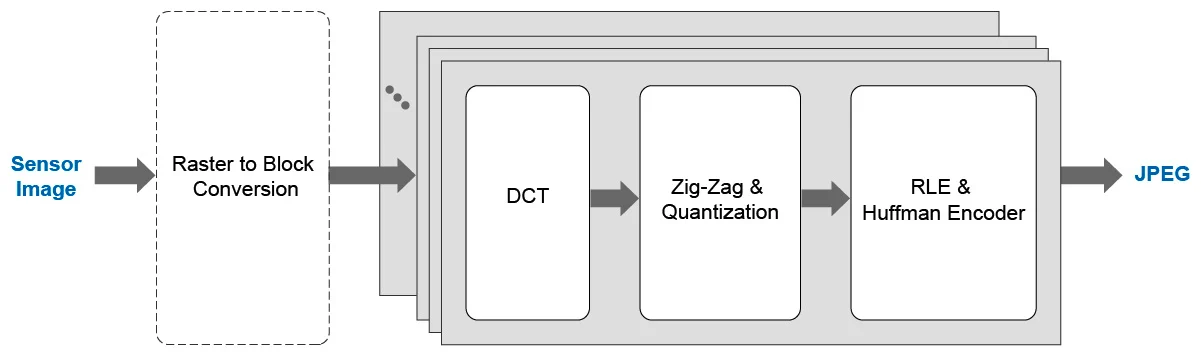
Compression is performed in several sub-steps. Color images are converted from the RGB color space to the YCbCr color model. This model consists of the Y (luminance) component and two color components (Cb - blue-yellow chrominance and Cr - red-green chrominance). Color information is reduced by low-pass filtering and subsampling. This process takes advantage of the fact that the human eye perceives colors at a much lower resolution than brightness differences.

After transformation, each component (Y, Cb, and Cr) is divided into 8×8 blocks and discrete cosine transform (DCT) is applied. The actual data reduction is achieved by a subsequent quantization. The final step of image compression is a frequency-related reordering of the coefficients and an entropy coding. For high performance, these operations can be performed in parallel.
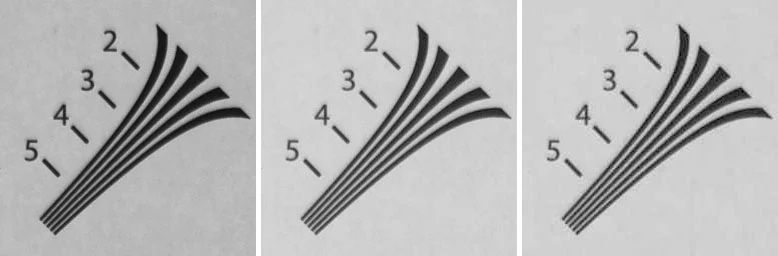
JPEG compression is generally lossy because image quality is degraded. For monochrome images, a compression ratio in the range of 5:1 is visually lossless. At a 10:1 ratio, the quality is sufficient for most applications. However, higher compression ratios lead to strong artifacts such as image blockiness and edge banding. When using RGB color images, compression ratios of 12:1 for visual lossless or 35:1 for good quality can be used.
Application on LXT Cameras
LXT cameras are based on modern CMOS sensors with high resolution and speed. Uncompressed images are transferred directly to the PC via the fast 10 GigE interface. JPEG compression can optionally be enabled as a feature in Camera Explorer or the SDK. To do this, a pixel format suitable for the application (Mono8 or YCbCr422_8) must first be selected. The integrated JPEG image compression can then be activated with a simple button press with the parameter “Image Compression Mode” = JPEG.
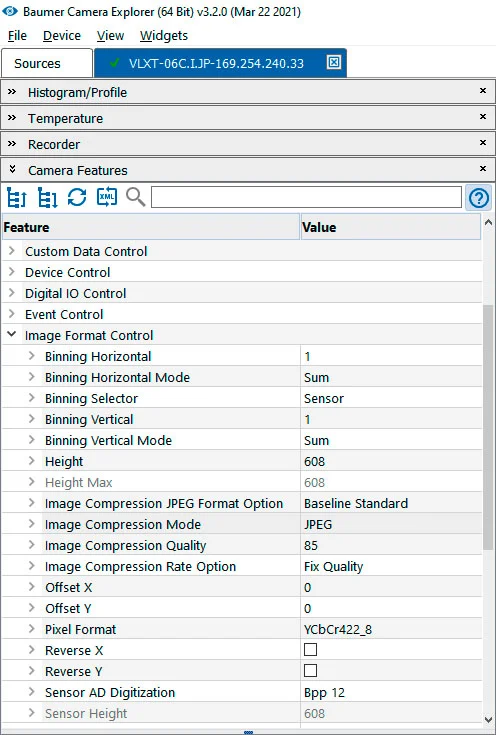
The JPEG compression ratio can be flexibly configured in the range of 30–100% via the “Image Compression Quality” parameter, allowing the image quality to be individually adjusted according to the respective application.
Monochrome or color 8-bit images are supported. For color cameras, a high-quality color calculation (partially in the 5×5 environment) and conversion to YCbCr422_8 is performed. JPEG image compression is performed sequentially at full sensor performance, and additional latency due to compression is negligible. The implementation is based on the GigE Vision 2.0 standard based on JPEG payload type. The generated JPEG stream contains all headers and can be saved directly to a JPEG file. The timestamp and ROI (Region of Interest) position in the JPEG stream are also transmitted in the metadata. A preview image or parallel transmission of the original and JPEG image is not provided.
Usage examples
JPEG image compression can be used wherever sequences of images are required over a longer period of time. In particular, this compression is suitable if the bandwidth of the transmission or storage media is limited or the PC cannot handle additional processing, for example for multiple cameras. However, since the image quality is slightly reduced compared to the original, it is not recommended for use in metrological applications.
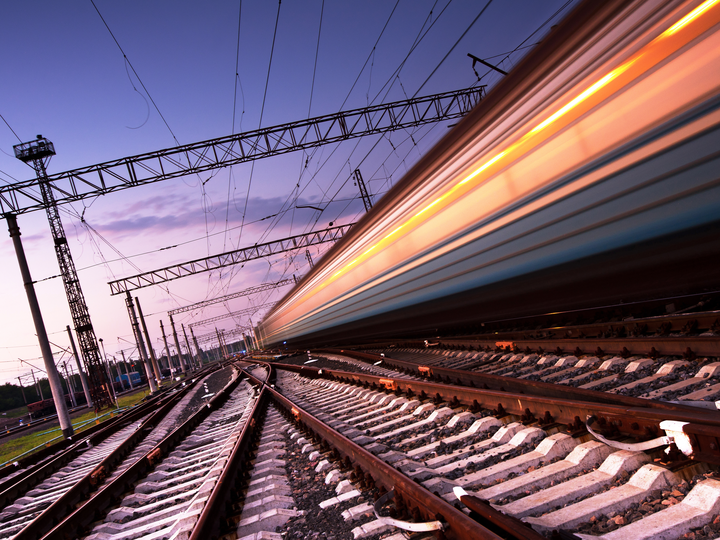
Transport systems
Example: Inspection of railway overhead lines
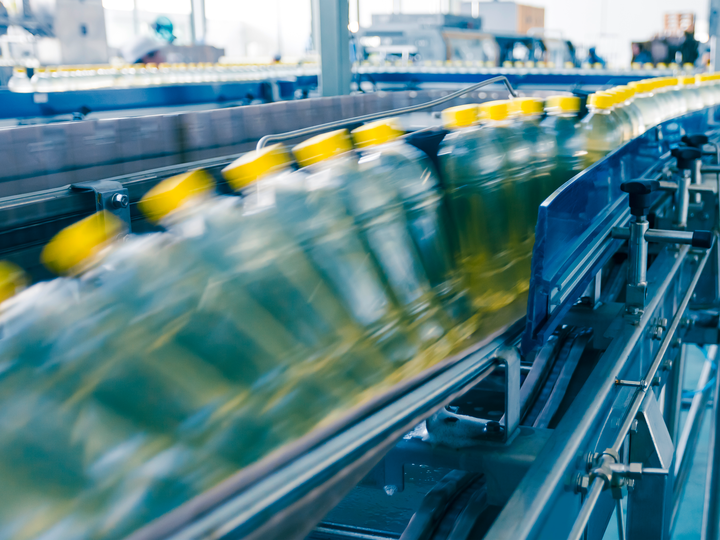
food and beverage
Example: Control of rapid production processes
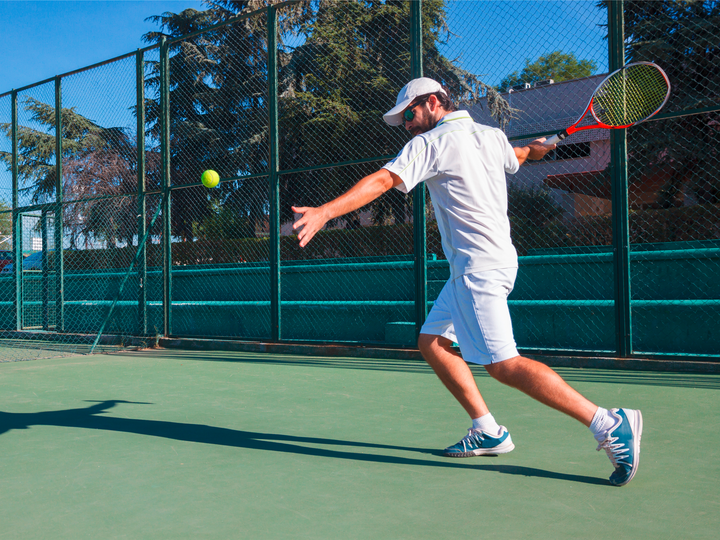
sports
Example: Motion analysis
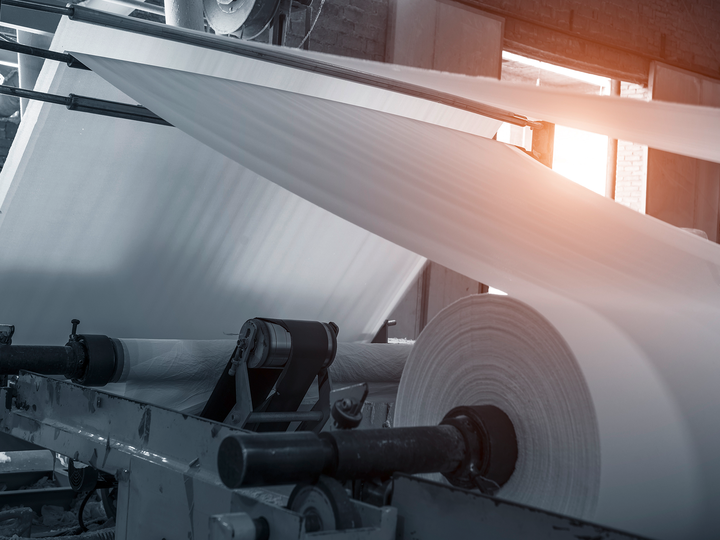
paper production
Example: Infinite material control
Software Support
Various software options are available for easy integration and use of VLXT.JP cameras.
- OEM customers:If the cameras are to be integrated into your own applications, the Baumer GAPI SDK can be used. This SDK includes examples for configuring, capturing images, and saving as a .jpg file. With libraries like FFmpeg, videos can also be created directly from individual images.
- End user:If cameras are used directly by end users, Baumer Camera Explorer can be used. In this easy-to-use graphical application, cameras can be configured and images captured and displayed. Additional functions such as high-speed recording in main memory or directly to the hard disk, I/O event triggering, and video rendering are also available. By supporting LXT.JP cameras, for example, the transmitted compressed data stream can be directly decoded for visualization or saved as a .jpg file. Camera Explorer enables long-term recordings for direct recording of high-speed sequences to a USB hard disk.
- Third-party software for video recordings:NorPix provides software and solutions for digital video recording. One or more cameras can be used for high-speed sequences with StreamPix or TroublePix packages. Typical areas of application relate to error analysis of machines and systems in industrial environments. For example, Baumer VLXT-06M.I.JP cameras are used to monitor production facilities. They provide very high spatial and temporal resolution with speeds up to 1500 fps at 800×600 resolution. Thanks to JPEG compression, a very long recording time of 189 hours can also be achieved.
- Third-party software for motion analysis:TEMPLO motion analysis software from CONTEMPLAS GmbH enables movement and posture analysis in the health and sports sector. The system solution, consisting of hardware and software, targets professional end users and is distributed and used worldwide. For example, Baumer's VLXT-31C.I.JP 3 MP color camera offers frame rates of up to 300 fps in full HD for analysis of high-performance sports such as swimming and handball.
- Third-party software for video analysis in the sports industry:Kinovea enables operations such as object tracking or measuring speed and angle with various tools. As a free open source solution, it is used in the university environment and amateur sports. Baumer's VLXT.JP cameras are directly integrated and provide very high performance, easy synchronization and excellent durability.